Get started
Pick a ready form, publish it, then add it to your contact page. Your store does not change until you press Publish.
1. Pick a form
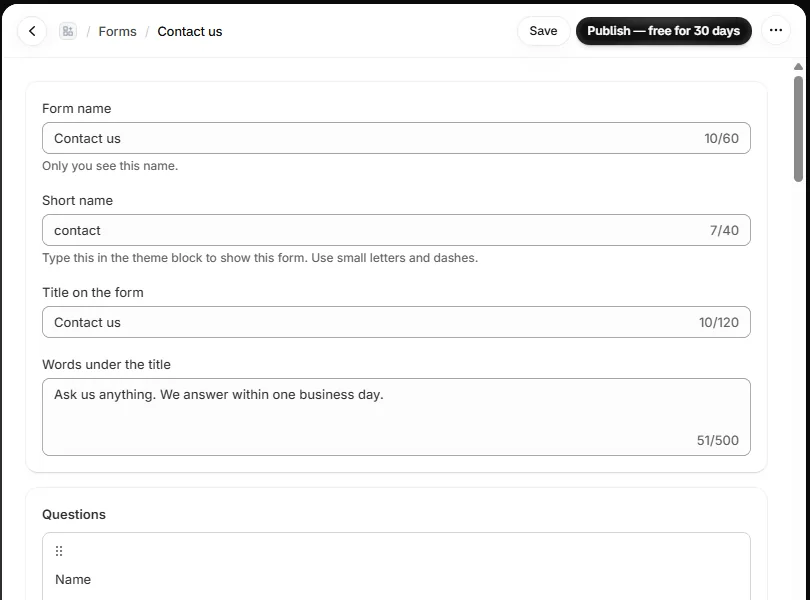
Home shows three ready forms: Contact us, Wholesale inquiry and Return request. Tap one. The form page opens with every question filled in.
2. Publish
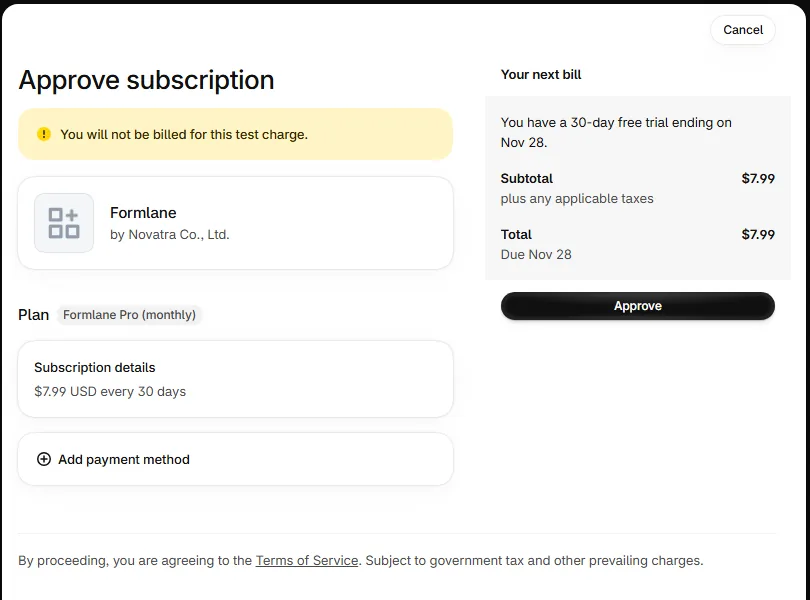
Press Publish — free for 30 days. Shopify asks you to approve the plan. You pay $0 today.
3. Add it to your contact page
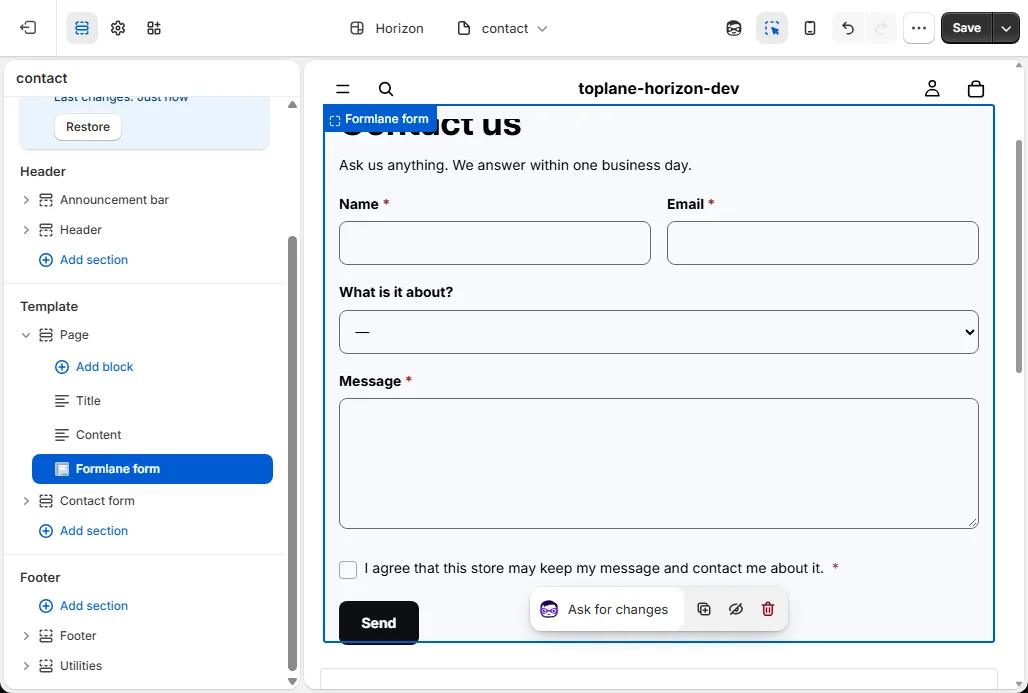
On Home, press Add it to my contact page. Your theme opens on the contact page with the Formlane form block added. Press Save.
4. Make it yours
Home has a short list of next steps. For example, hide your theme's own contact form, or add a contact button. Press Do it next to a step.